Loopyti Blog · Page 3
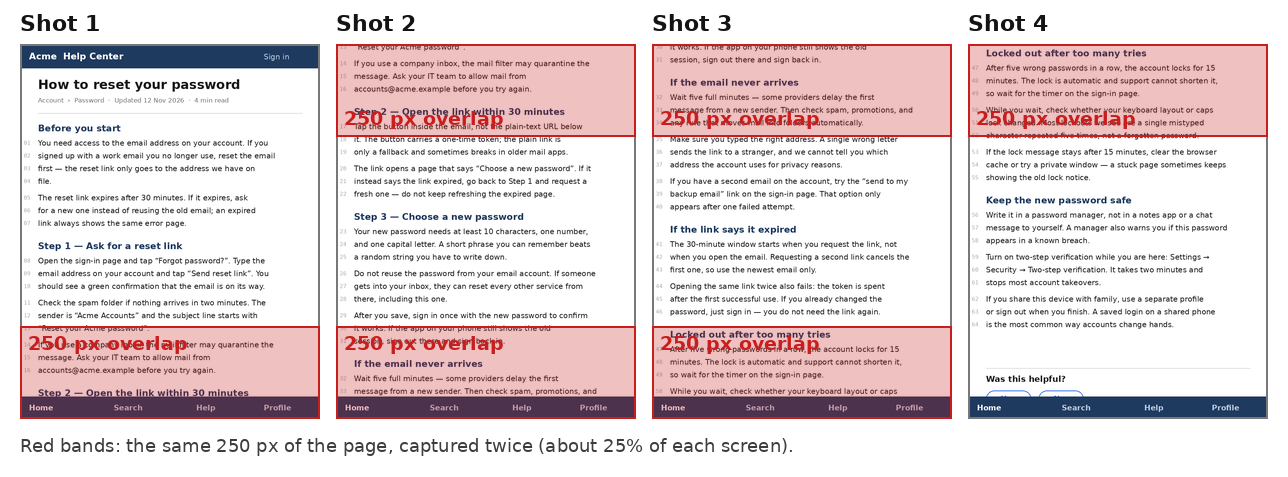

Stacked Screenshots Repeat the Same Lines Twice? Stitch Them by Removing the Overlap
Don't stack the shots in an editor and call it done — every overlap comes back as the same paragraph twice, and trimming three seams by eye never lands exactly. Add the four screenshots top to bottom in the stitcher instead: it finds each overlap and cuts it, and the fixed bottom bar is kept once,…
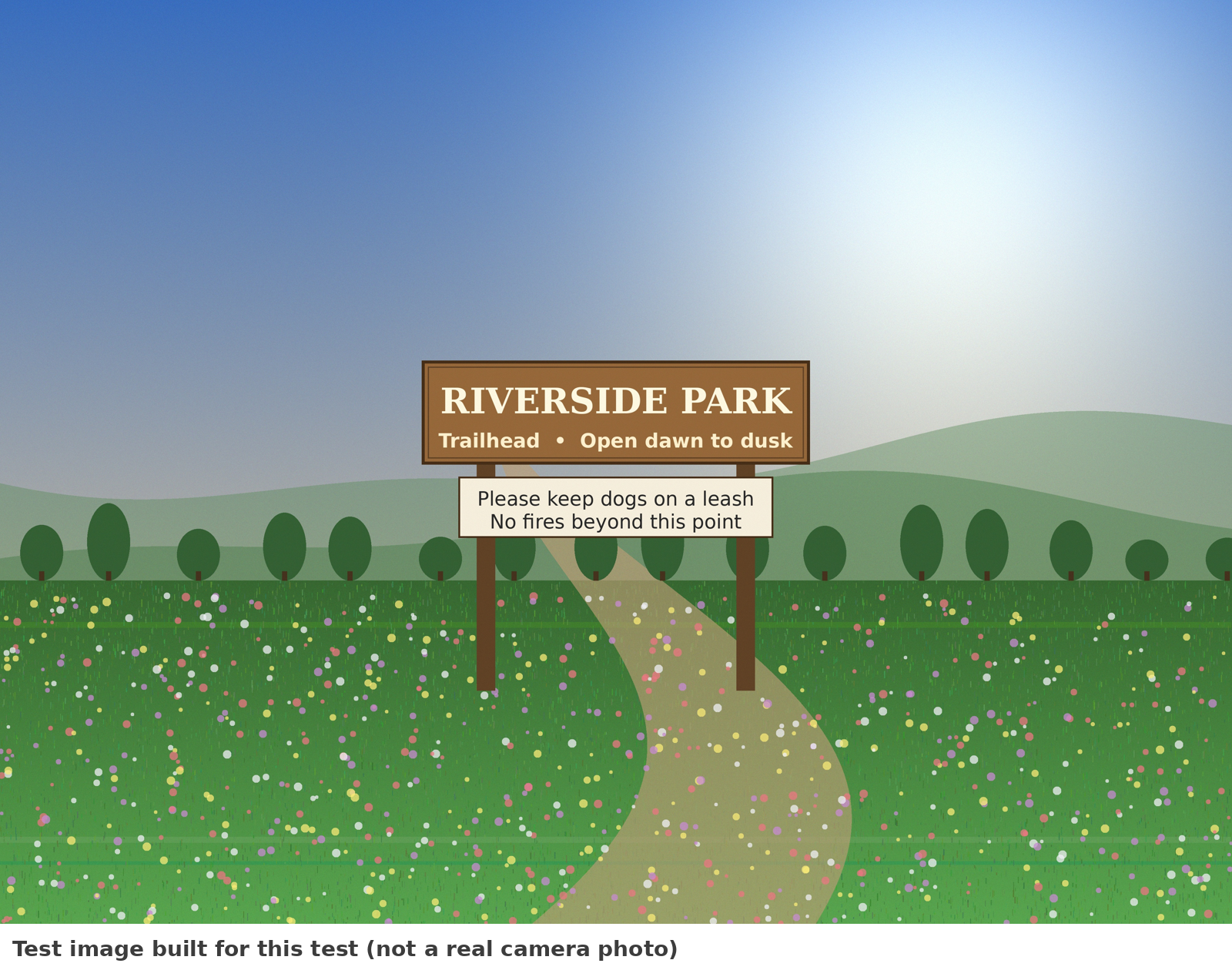
Upload Portal Says 'File Must Be Under 200 KB' — Compress to an Exact Target Size
Don't drag a quality slider to 70%, upload, get rejected, try 60%, upload again, and repeat until the portal finally accepts the file — and don't shrink the photo's pixels first. Set a target of 200 KB and a minimum longest side of 1,000 px, and the tool searches for the highest quality that still…
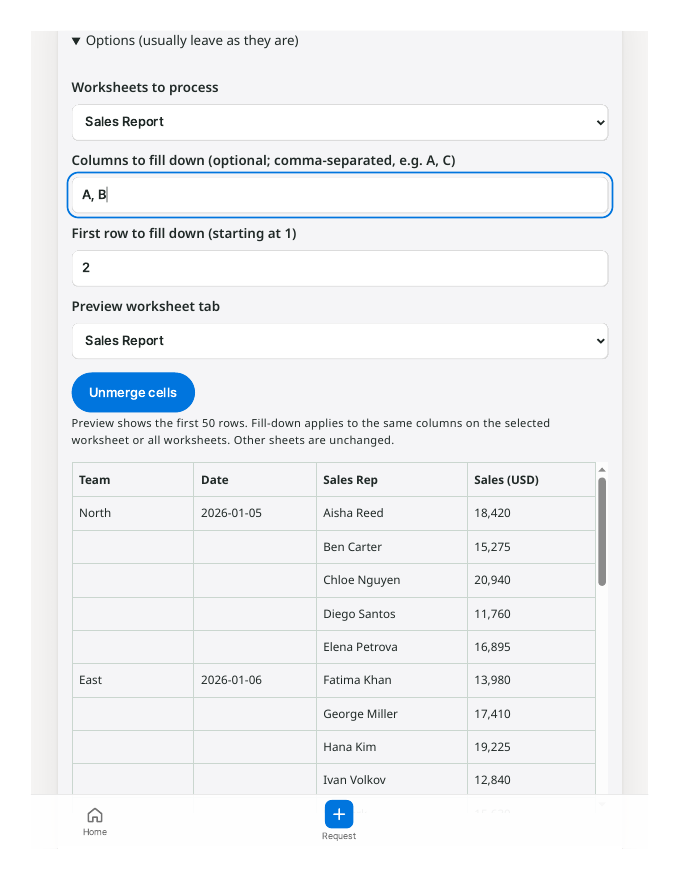
Excel Filter Only Shows the First Row of a Merged Group? Unmerge and Fill Down First
Your filter isn't broken, and you don't need to unmerge everything by hand and retype the missing labels. Fix the file before you filter: run the XLSX through the Unmerge & Fill tool, pick the two merged columns, and download a copy where every row carries its own team and date. Then filter and piv…
Why Excel Breaks Your CSV: Long Numbers, Leading Zeros and Dates
You export an order list from your shop, open the CSV in Excel, and something is off. The tracking number now reads 1.23457E+15 . The postal code 01234 has become 1234 . A product code like 3-4 turned into a date. Nothing warned you, and if you save the file now, those changes stay for good. This h…